Contact
Products / Gas Supply Panels / Double Inlet Gas Supply Panels / Single-Stage Manual Changeover Panel – DPA 1100 Series

Single-Stage Manual Changeover Panel – DPA 1100 Series

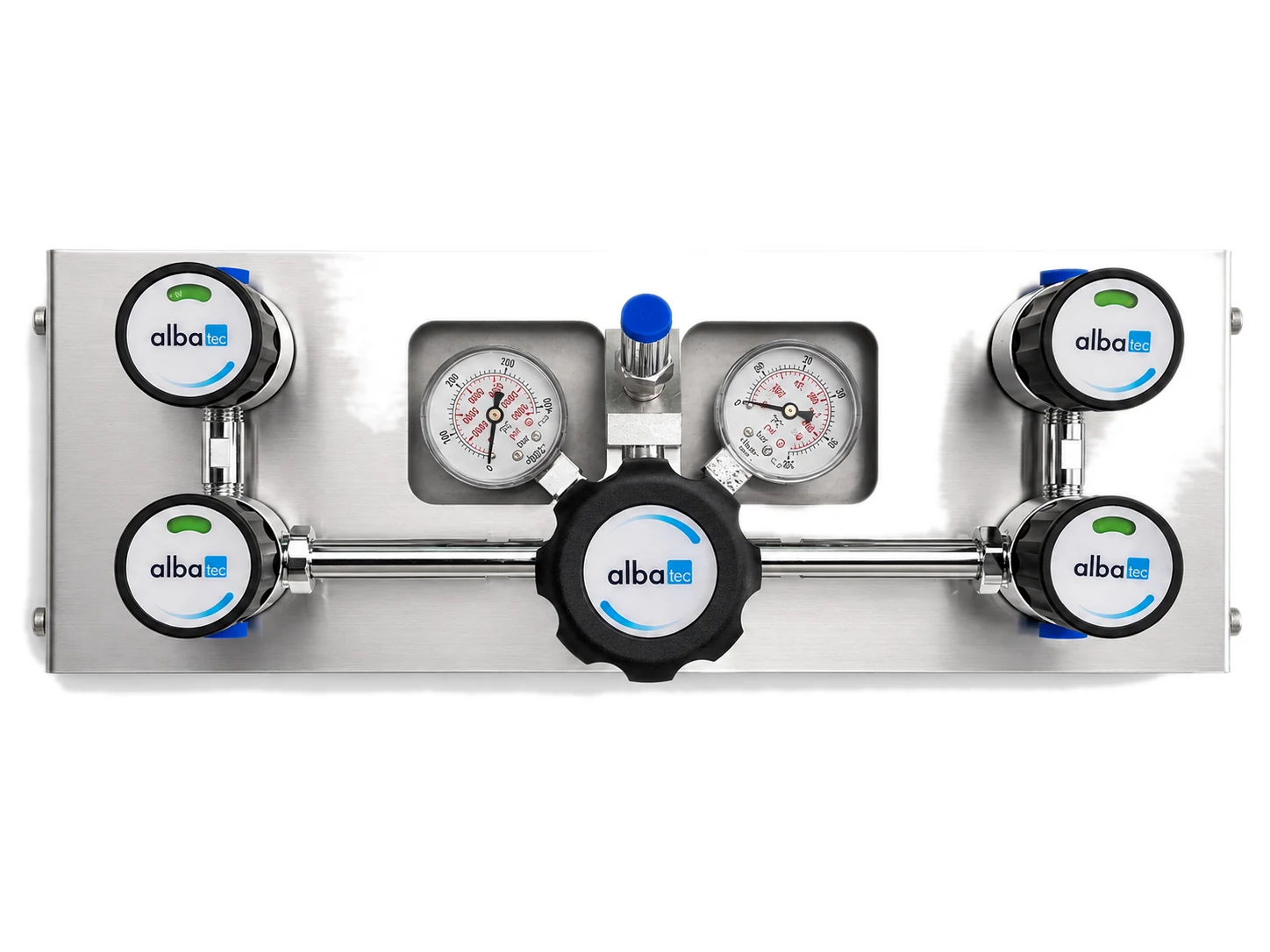
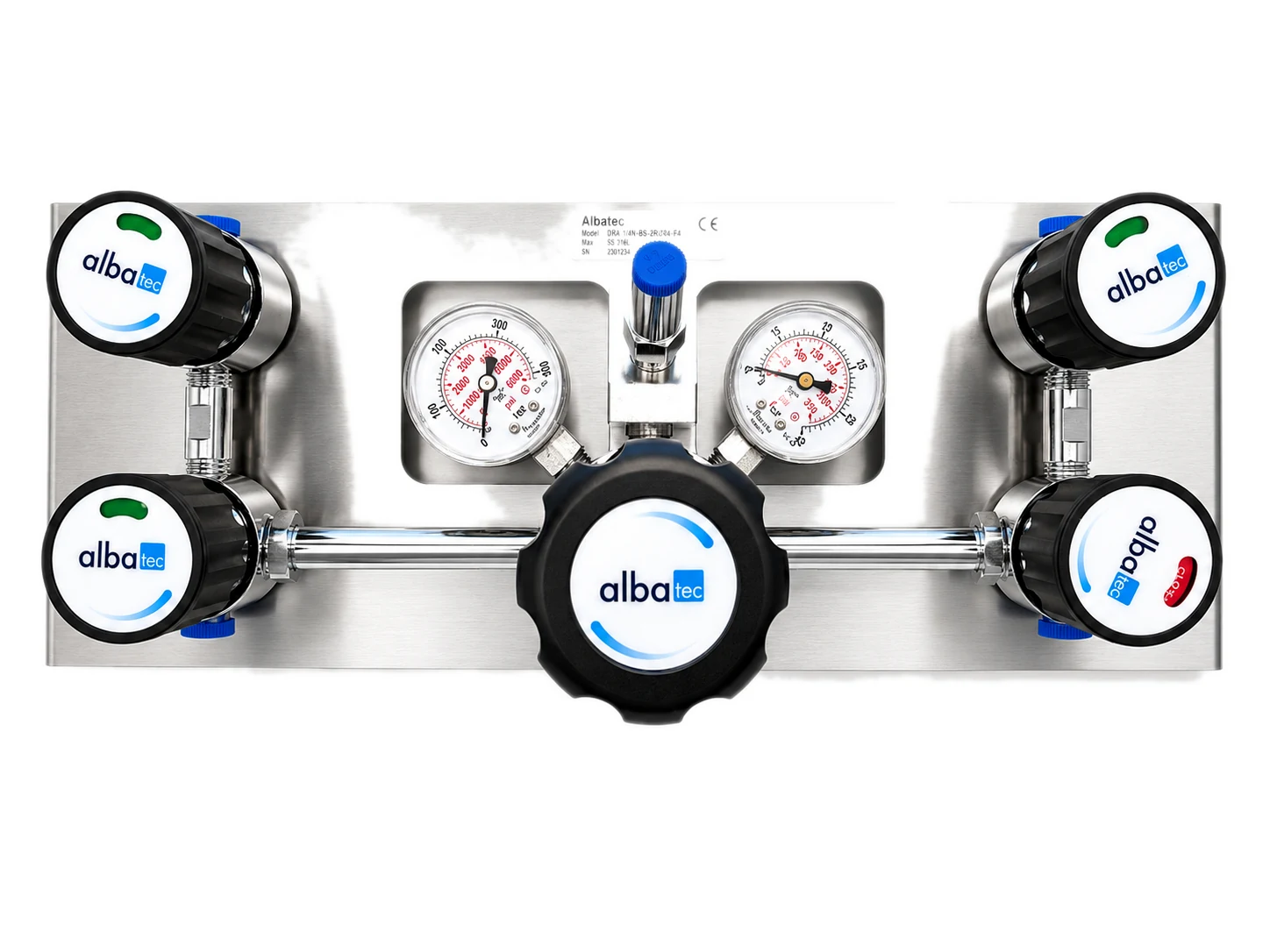
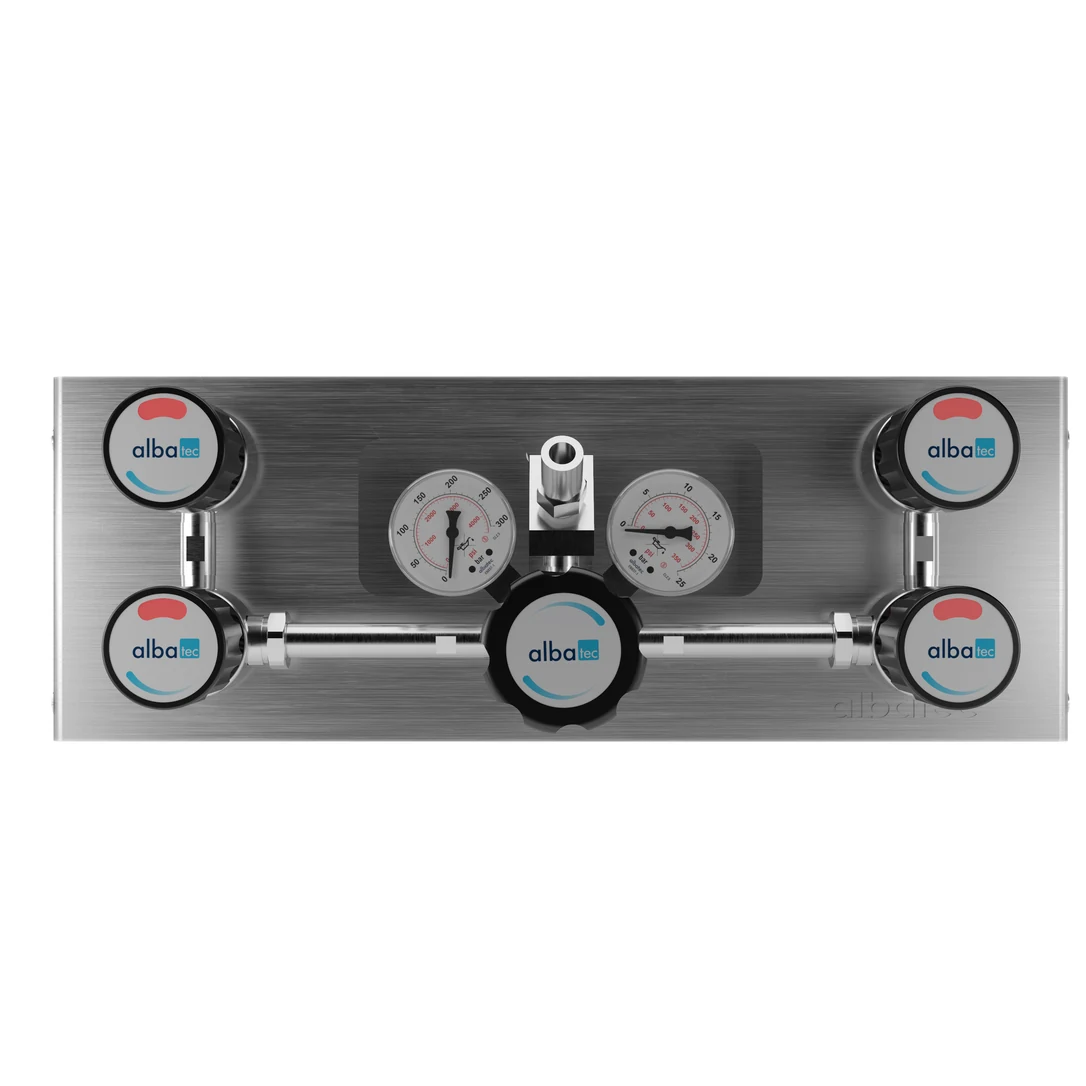
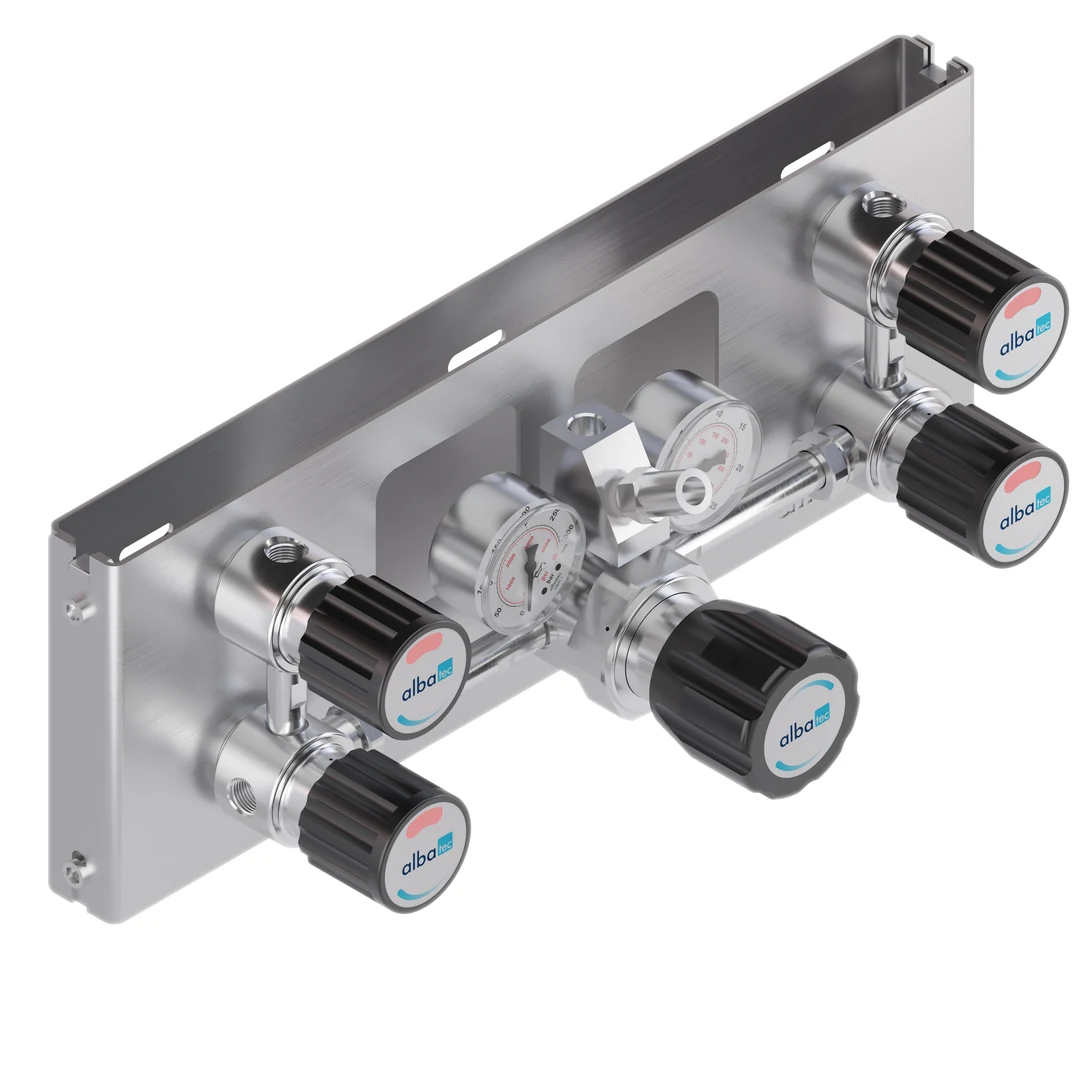
The Albatec DPA 1100 is a single-stage manual changeover panel designed to connect two cylinders or cylinder banks to a gas distribution system. When the active supply is depleted, the operator manually switches to the reserve side to maintain the gas supply.
It is available with nickel-chrome-plated brass regulator bodies for inert, reactive, flammable, and oxidizing gases and gas mixtures up to grade 6.0, or with stainless-steel 316 bodies for corrosive gases. Key features:
  • Maximum inlet pressure of 300 bar
  • Selectable outlet pressures of 15, 20, 50, 100 or 200 bar
  • Manual changeover between two gas sources
  • Single-stage pressure regulation
  • Modular configuration with diaphragm shut-off valves
  • Integrated stainless-steel inlet filters
  • PCTFE valve seats and high-performance metal diaphragms
  • Installation on a two-piece stainless-steel mounting plate
  • Components tested for oxygen service according to CGA E-4
  • Designed in accordance with applicable standards, including EN ISO 2503 and DIN EN 837-1

Technical Specifications & Variations

Technical SpecificationValue
Panel typeSingle-stage, double-inlet manual changeover panel
Maximum inlet pressure P1300 bar
Available outlet pressures P215, 20, 50, 100 or 200 bar
Regulator body materialNickel-chrome-plated brass or stainless steel 316
Regulator valve seatPCTFE
Shut-off valve seatPCTFE
Regulator diaphragmHastelloy® C276
Shut-off valve diaphragmElgiloy®
O-ringViton® (FKM); optional Kalrez® (FFKM)
FilterStainless steel 316
Inlet connection1/4″ NPT female
Outlet connection1/4″ NPT female
Operating temperature−30°C to +74°C
External leak rate1 × 10⁻⁸ mbar·l/s He
Seat leakage rate1 × 10⁻⁶ mbar·l/s He
Weight4.5 kg
Oxygen-service testingCGA E-4 oxygen shock tested
Applicable standardsEN ISO 2503 and DIN EN 837-1

For detailed specifications and additional product information, please refer to the product catalog available in the Downloads section.

Request a quote or technical consultation 

Set quantity, add any notes, and collect products as you browse.
Send one enquiry – our engineers reply within 2 business days.

How to request a quote?

1. Set the quantity and add a note if you need something specific.

2. Add the product to your quote list, or request a quote for this one product only.

3. Keep browsing and add more products the same way.

4. Open your Quote list from the top bar, or go straight to the Contact page, and continue.

5. Fill in your details and send.

How to request a quote?

Quantity
Add a note (optional)
View your quote List (0)